Coach app
Today’s sessions and taking attendance from your phone, in about a minute per session.
For coaches
Taking attendance
Coaches sign in on their phone with their own account and see only their sessions.
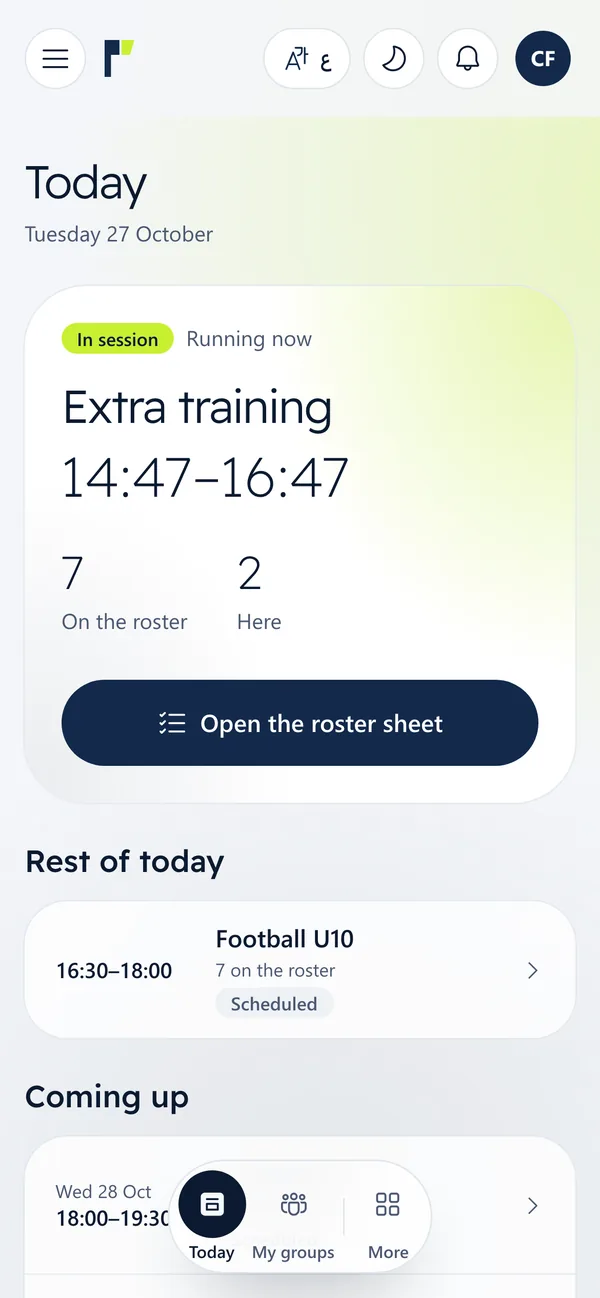
1Today’s sessions
The session running now is at the top with the roster and how many are here, then the rest of the day and upcoming sessions. Press “Open the roster sheet”.
2The roster sheet
Each player is listed with their shirt number, membership status and health notes such as allergies. Anyone already checked in at the desk or the kiosk is ticked for you.
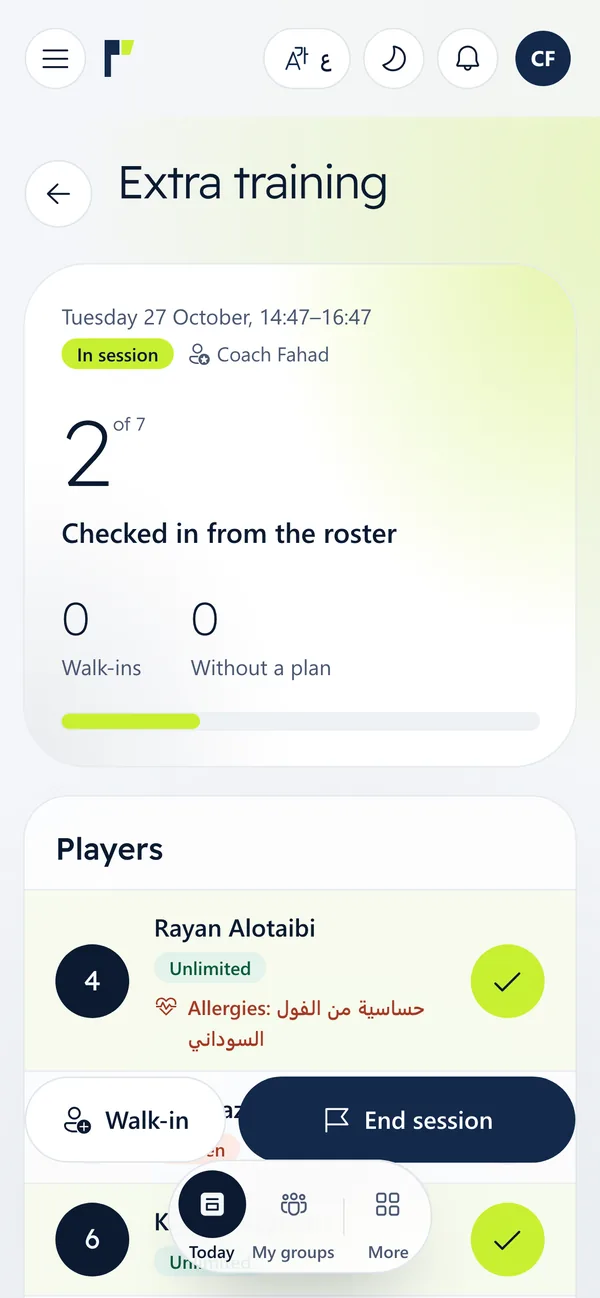
3Tap the circle to mark a player present
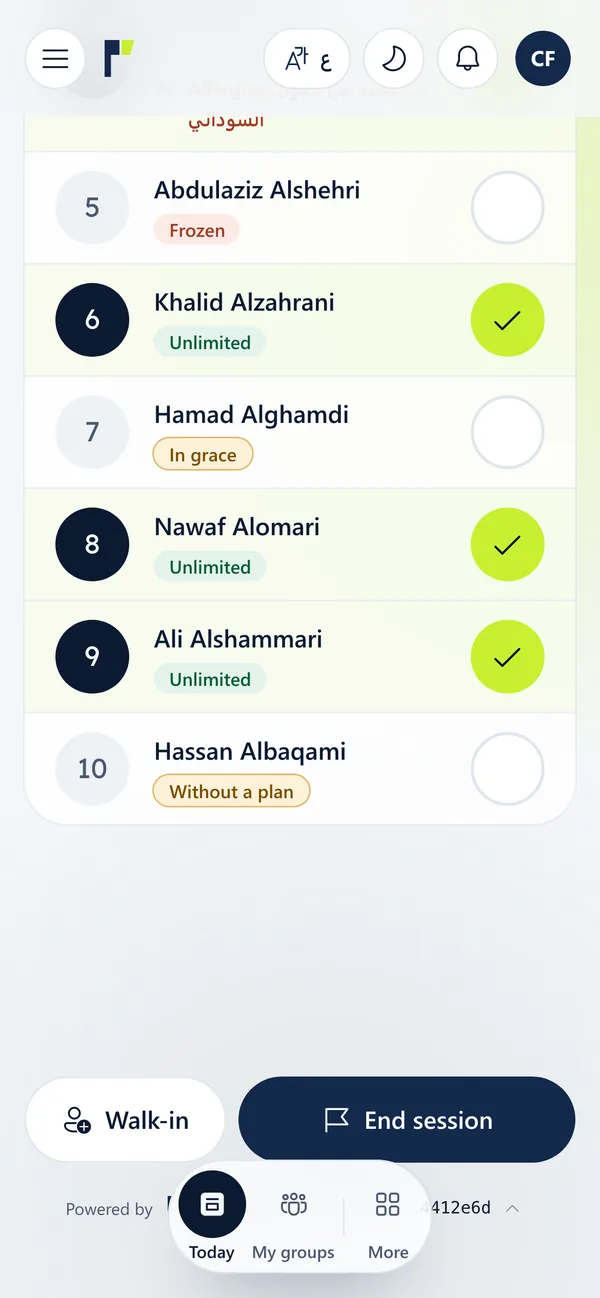
Each tap checks the player in and counts the visit on their membership, and the count at the top updates. Tap again to undo while the session is open.
A frozen or expired membership shows its status, so you know who needs to see the front desk.
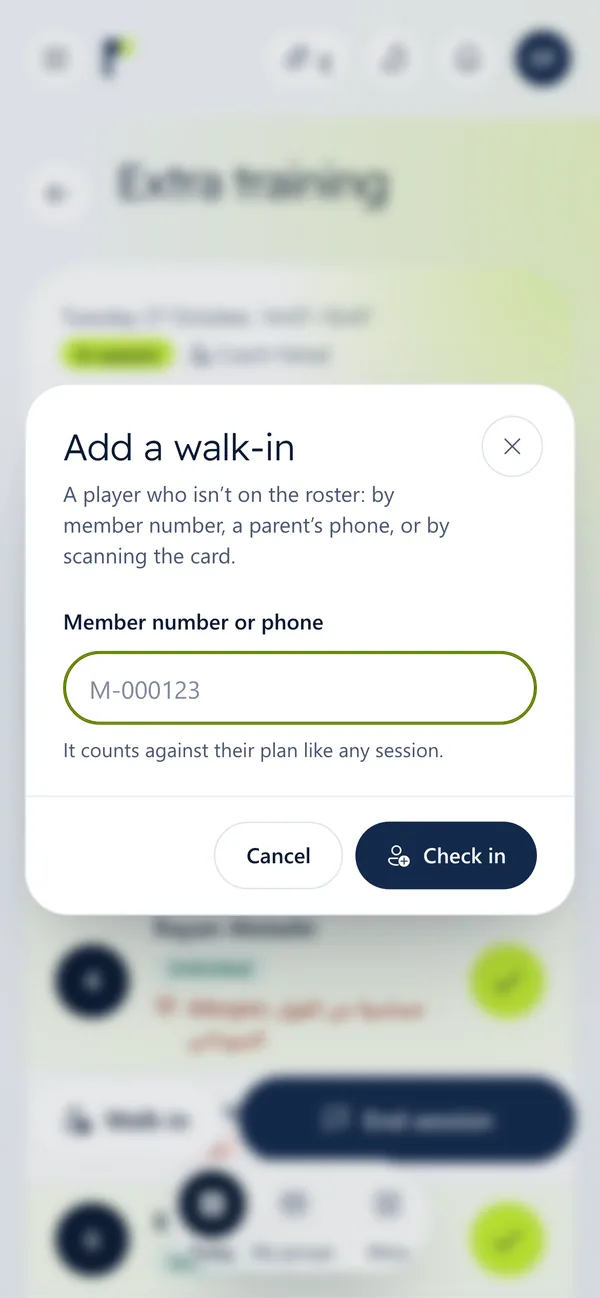
4Add a walk-in from outside the group
Press “Walk-in” and type the membership number or the guardian’s mobile, or scan the card. The visit counts on their membership like any other session.
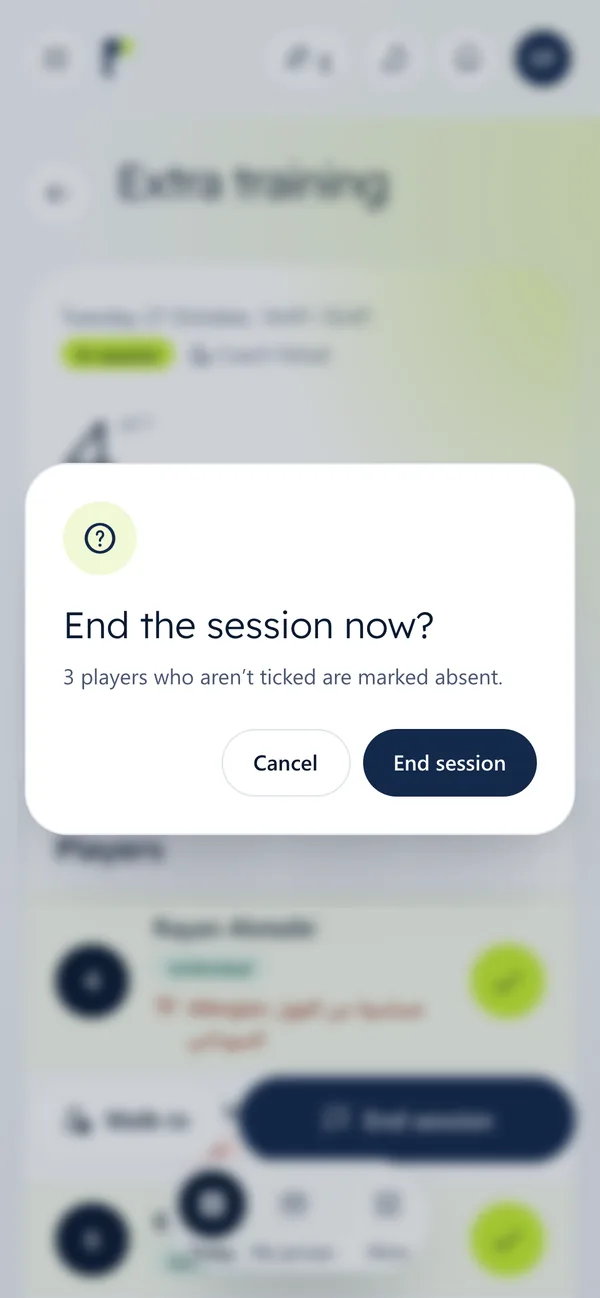
5End the session
At the end of training press “End session”. Anyone not marked is recorded as absent, and the result is in the attendance reports straight away.