Self check-in kiosk
A tablet at the entrance: athletes scan their card and go in, without queueing at the desk.
For athletes and parents at the entrance
Checking in with a card
1Start the tablet
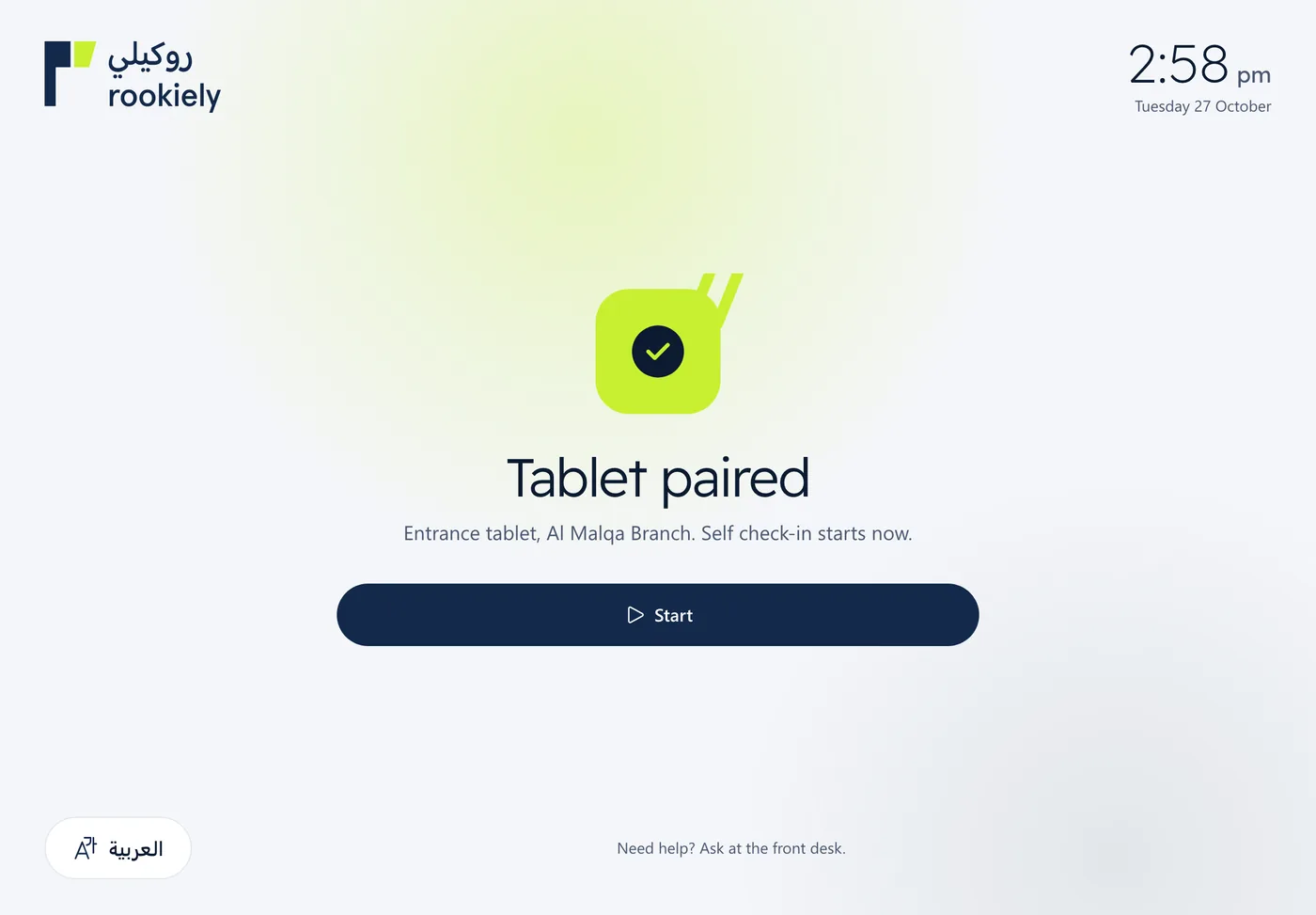
Open the pairing link your academy’s admin sends you on the tablet, once only, then press “Start”. The tablet stays linked to the branch after that.
2Scan the card
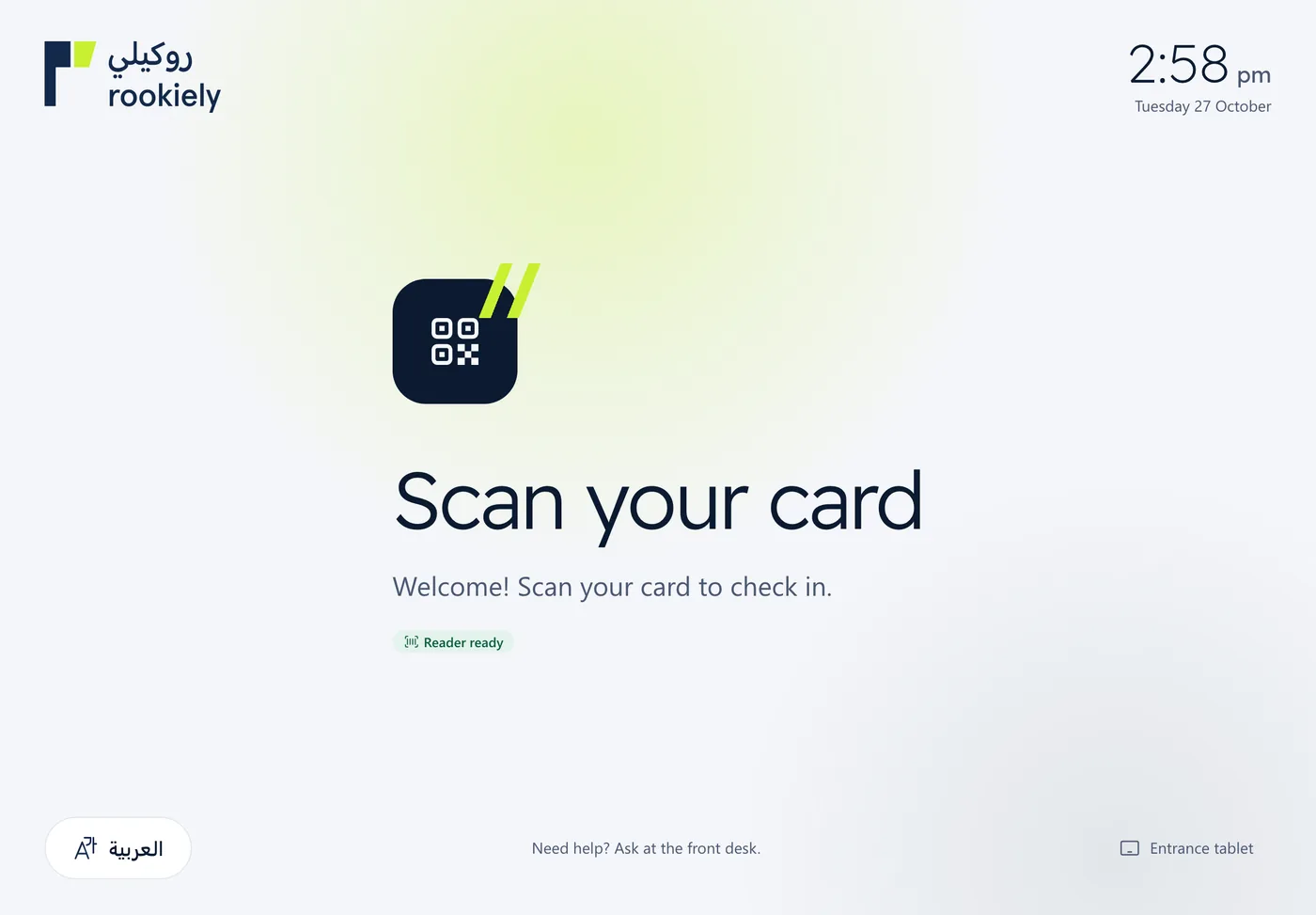
The athlete holds their membership card to the camera or the barcode reader, or uses the QR code in the member portal on the parent’s phone.
3Pick the name
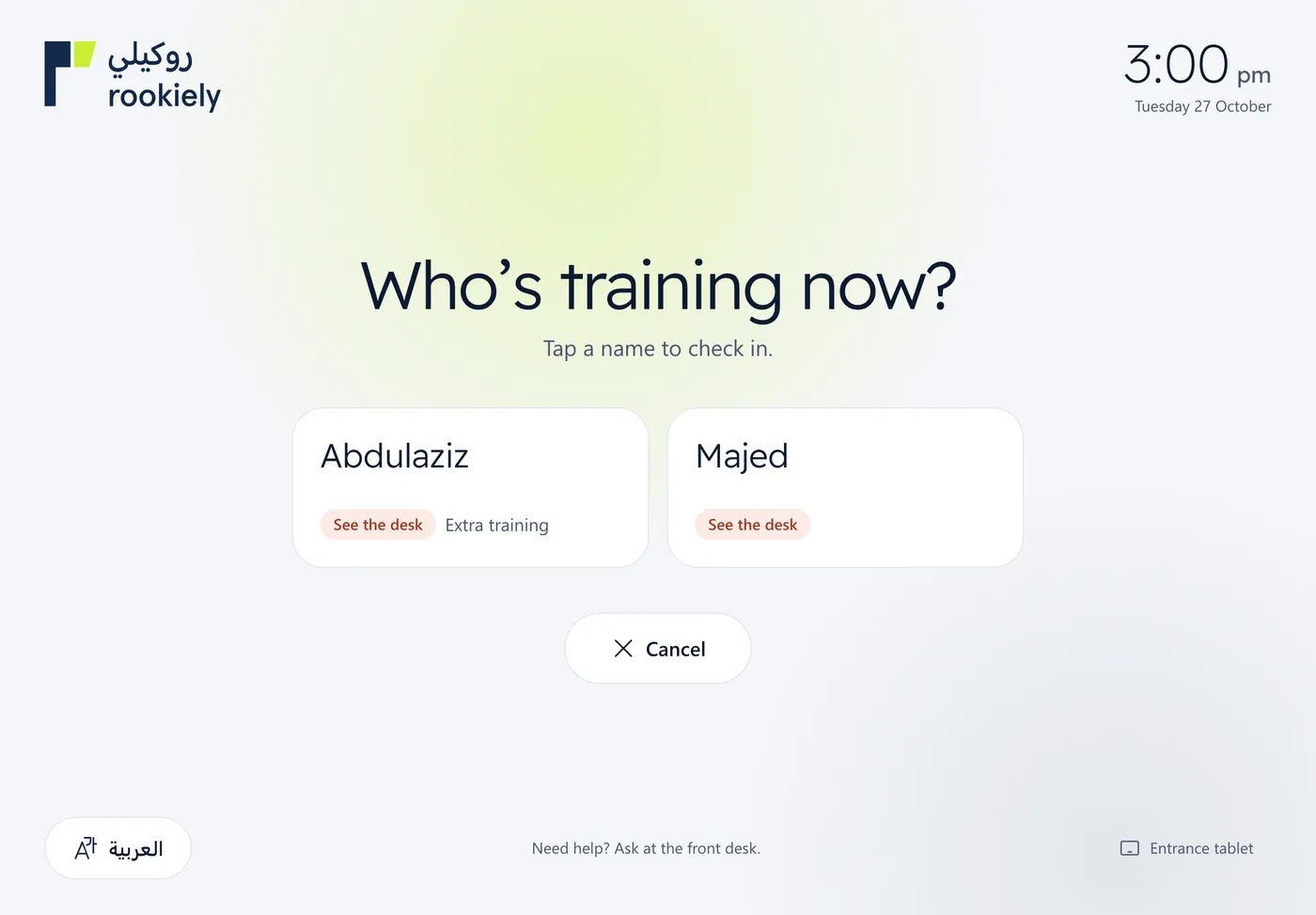
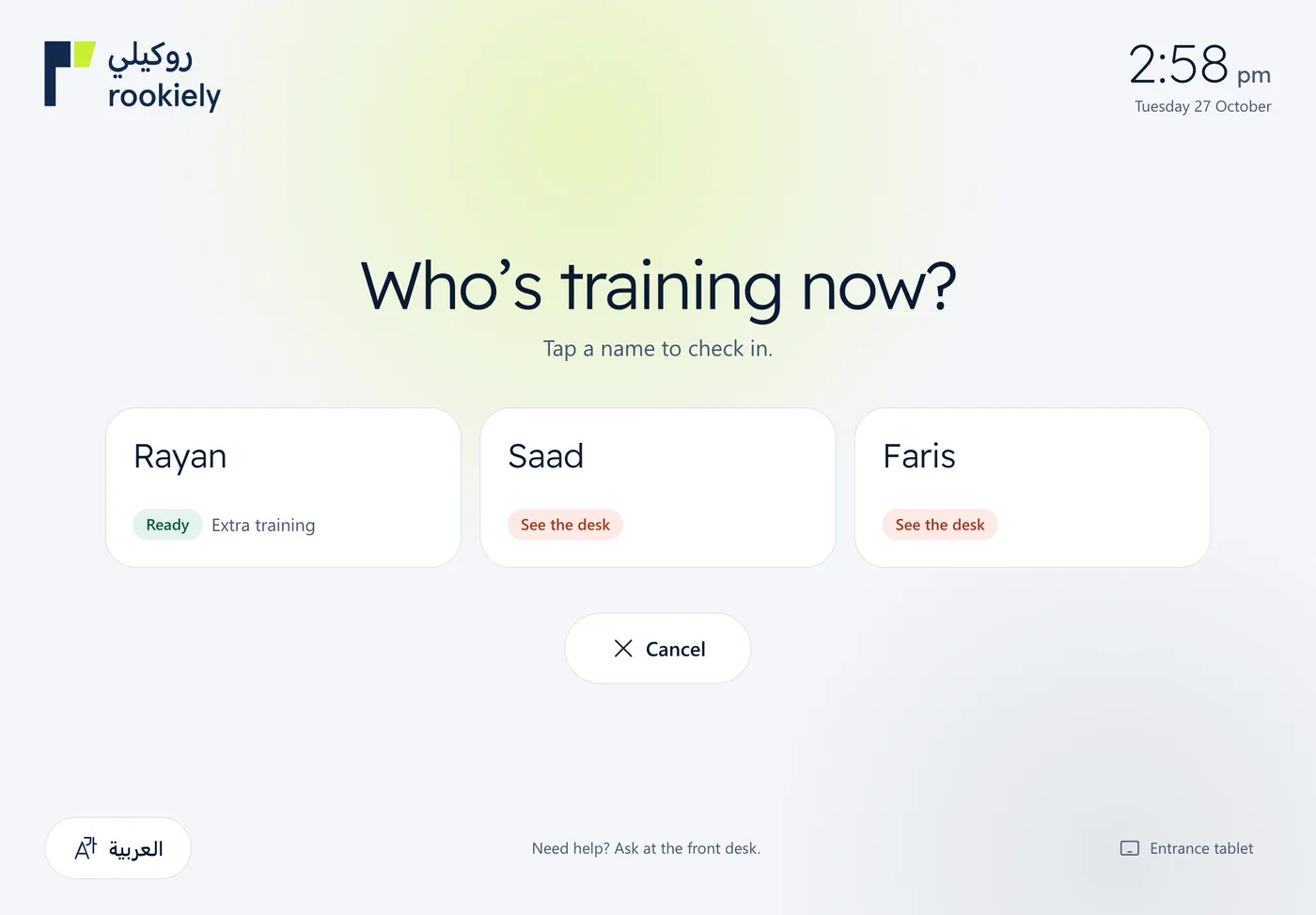
If the card belongs to a family, the athlete taps their own name. Each name shows whether they are ready to go in and which session it is for.
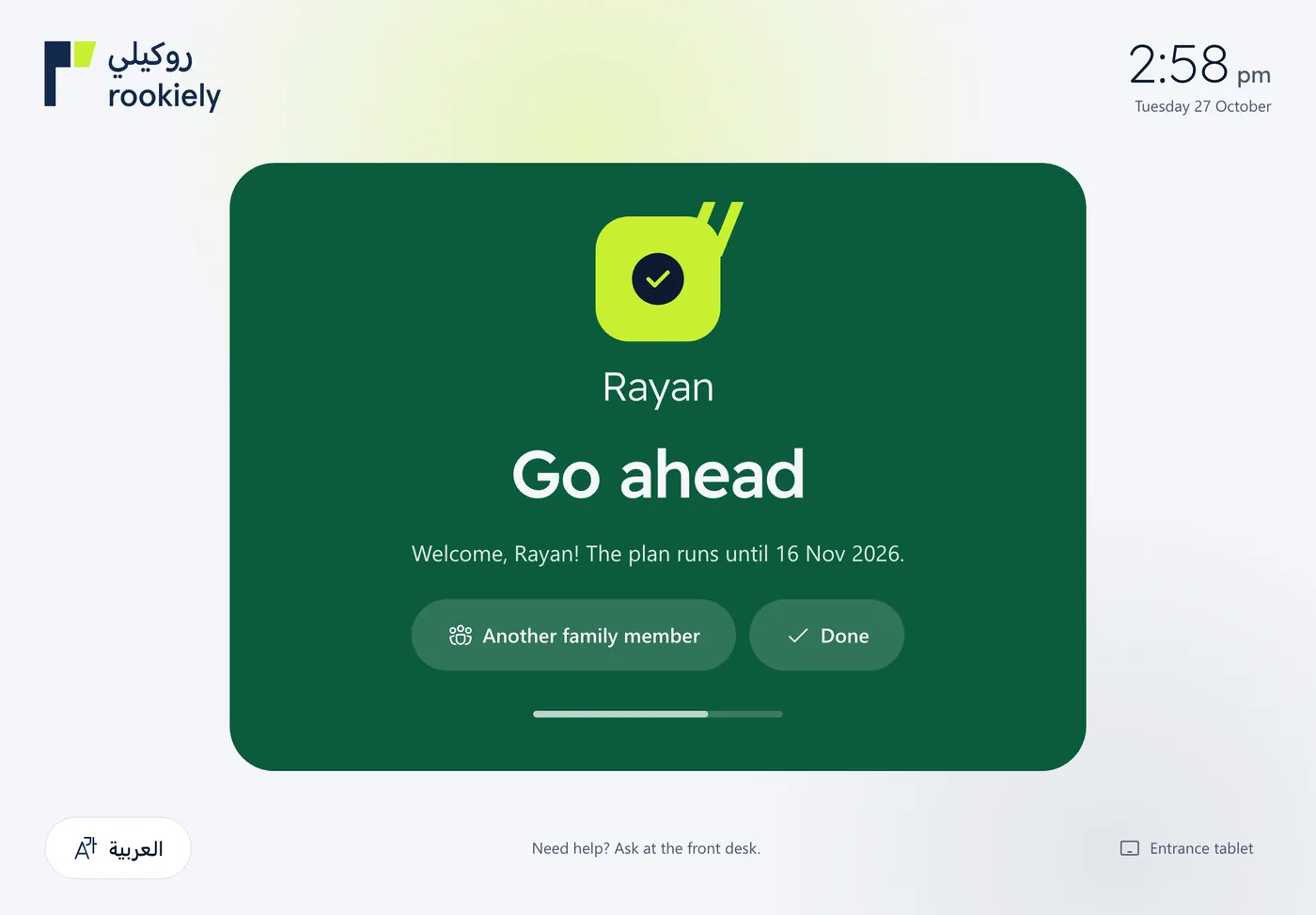
4Go ahead
A green welcome screen shows when the membership runs until, then the tablet goes back to the start by itself. Another family member can check in straight away.
5If it says “See the desk”
The tablet won’t check someone in when their membership is frozen, expired or out of sessions. They go to the front desk, where staff see the reason and the fix.